
On-page SEO means improving the pages of your website so search engines understand them and people want to click and stay. This on-page SEO checklist is a practical list you can follow for every important page.
QUICK ANSWER
For each page: choose one focus keyword, write a clear title and description, use one H1, add helpful content, optimise images, link to related pages and make sure the page loads fast on mobile.
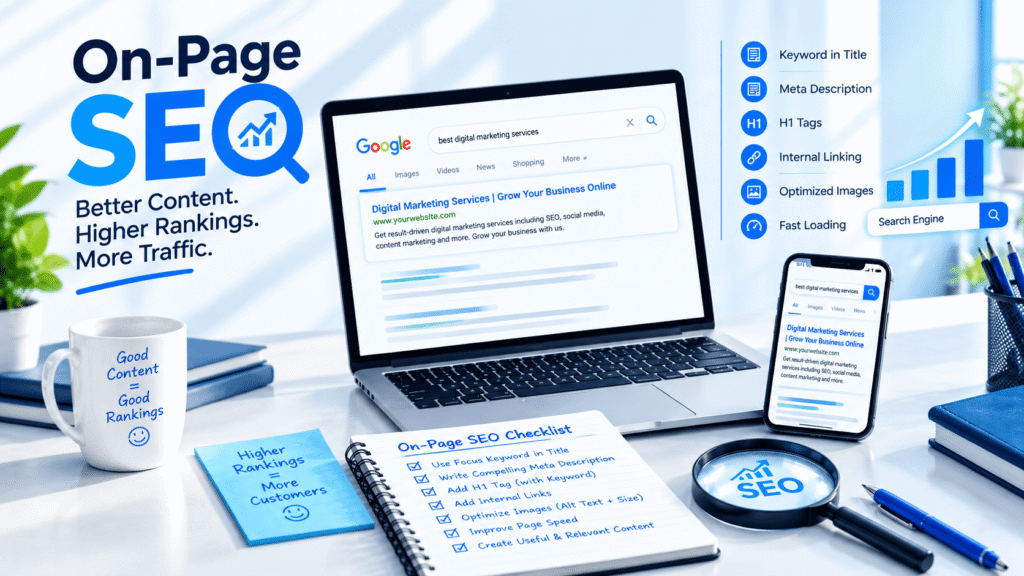
1. Keyword and search intent
- Pick one main keyword for the page.
- Check what people expect to find when they search it.
- Match the page type to that intent (service page, guide or comparison).
2. Title tag and meta description
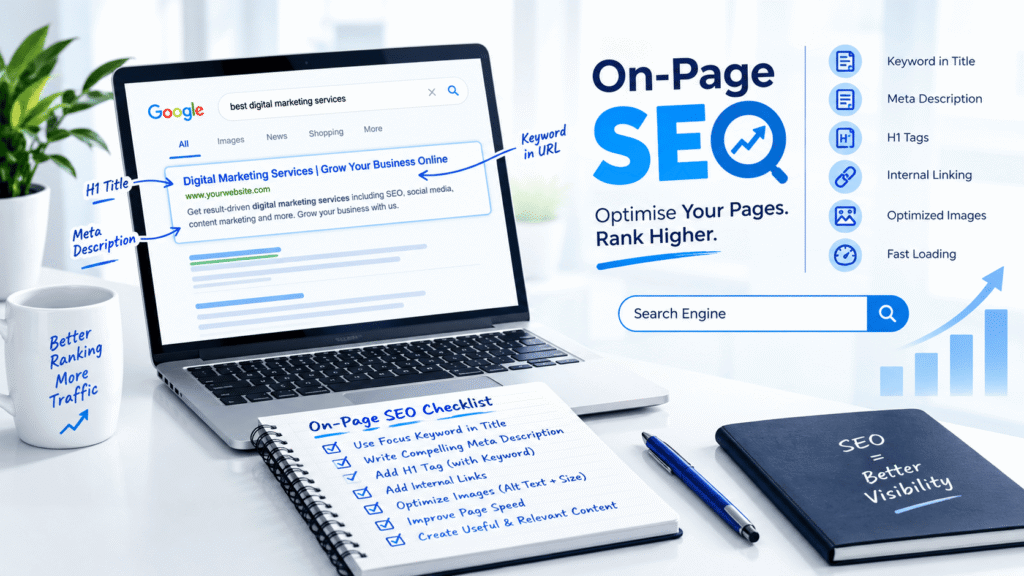
- Put the focus keyword near the start of the title.
- Keep the title roughly 50 to 60 characters.
- Write a meta description of about 150 to 160 characters with a clear reason to click.
- Make every title and description unique.
3. Headings and content
- Use only one H1 per page.
- Use H2 and H3 headings to organise sections.
- Include the focus keyword naturally in the first 100 words.
- Answer the main question quickly, then add detail.
- Add a clear call to action.
4. URL
- Keep it short and readable, like /seo-services/.
- Use hyphens and lowercase letters.
- Avoid long, messy URLs.
5. Images
- Compress images and use WebP where possible.
- Use descriptive file names.
- Write helpful alt text for every important image.
- Use the right size for each image and lazy load below-the-fold images.
6. Internal and external links
- Link to 2 to 3 related pages on your site.
- Use clear link text instead of ‘click here’.
- Link to trusted sources when it helps the reader.
7. Speed and mobile
- Test the page with PageSpeed Insights on mobile.
- Use caching and avoid heavy sliders or too many plugins.
- Make buttons and text easy to tap and read.
8. Schema and sharing
- Add schema such as FAQ or Article where it fits.
- Set an Open Graph image for social sharing.
- Use Rank Math or a similar SEO plugin to manage these settings.
Final check before publishing
Read the page as a visitor. Is it clear what you offer, who it is for and what to do next? If yes, you are ready to publish.
RELATED SERVICES
FAQ
Frequently asked questions
What is on-page SEO?
On-page SEO is optimising the content and code of your own web pages, such as titles, headings, text, images and internal links.
How often should I update on-page SEO?
Review important pages every few months, and update them when your services or search results change.
Is meta description a ranking factor?
It does not directly rank pages, but a good description can improve clicks, which helps your traffic.
Can you check my website's SEO?
Yes. Request a free website audit and we will review your pages.
Need help with your website or marketing?
Get a free website audit or quote from JD GrowTech.
